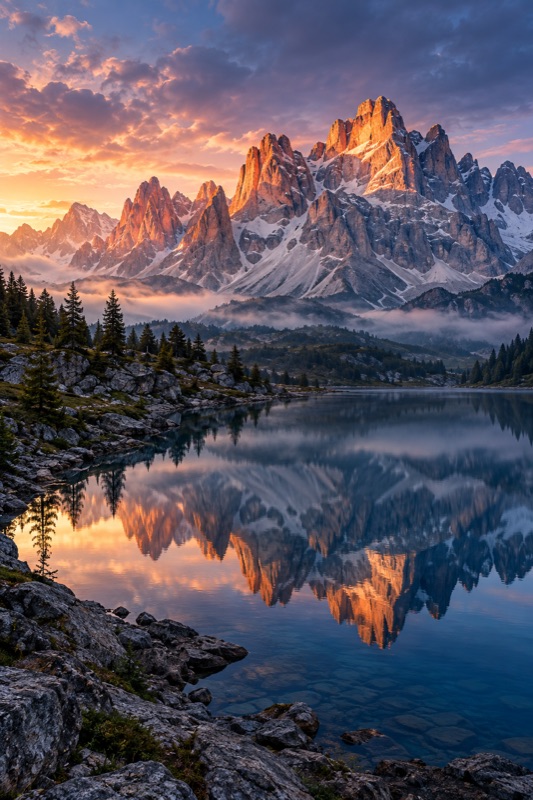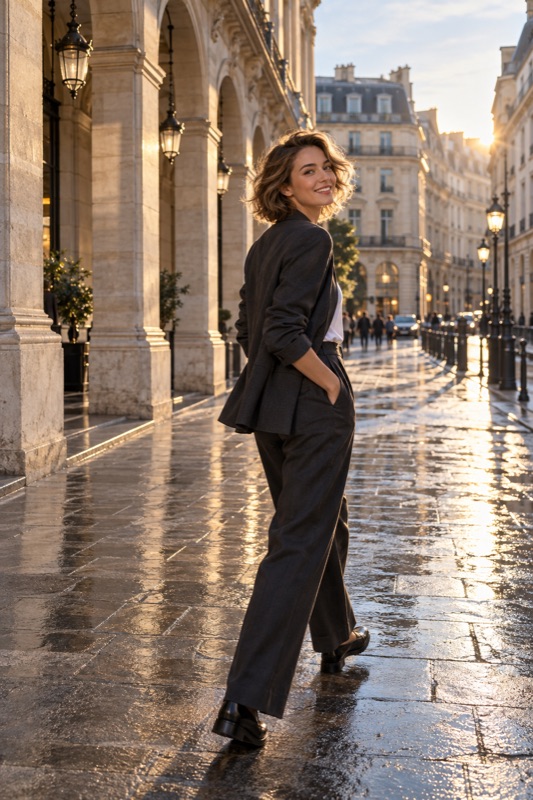
For a readable backlit portrait, prioritize the face, reposition until some light reaches it, and take a saved test before changing brightness. If the scene exceeds what the phone can record, simplify the bright background or choose a deliberate silhouette instead of expecting every detail to survive.
Get it on Google PlayChoose a portrait or a silhouette
Backlighting means the main light comes from behind the subject relative to the camera. It may outline hair or shoulders while leaving the face comparatively dark. Before adjusting anything, agree whether the person's expression or their outline matters most.
Nikon's sunshine guide illustrates this distinction: a face-led exposure and a background-led silhouette aim at different outcomes. A dark face is not automatically a mistake if you intended a silhouette. It is a problem when you wanted a recognizable portrait and only noticed it afterward.
Change the balance with position
Try turning the subject slightly, moving to a different edge of the window or shifting the camera so less bright sky fills the frame. A step can change the problem more than a strong filter. Look for light reflected from the surroundings that makes the face easier to see.
Keep the person at a comfortable distance and compare the same expression before and after moving. Do not assume that increasing brightness is the only solution. If the bright background is not part of the story, excluding it may be the simplest improvement.
Test focus and exposure separately
Use your camera's available controls to focus on the face, then inspect the saved photograph. On supported Pixel cameras, Google documents tapping the subject and locking focus and exposure; other apps may use different gestures. Confirm the controls in the app you are actually using.
If the face remains too dark, make a modest brightness adjustment and compare another saved frame. Watch the face and the important background details together. There is no fixed positive exposure correction that suits every backlit scene. If the face improves while the background becomes blank, decide whether that tradeoff is acceptable.
- Choose whether expression or silhouette is the goal.
- Make one automatic baseline photo.
- Try a small change of subject or camera position.
- Check focus and adjust brightness only as needed.
- Inspect the saved face, background and flare before continuing.
An illustrative balcony portrait
Imagine photographing your partner with a bright skyline behind them. In the first frame, the buildings look detailed and the face is dark. Make a second frame with the person slightly turned toward the open side of the balcony. Then narrow the composition to include the relevant buildings rather than a large area of bright sky.
Compare the expression and face detail before raising brightness. If the phone still cannot retain both, try a closer portrait that accepts a pale background and a separate skyline photo. This is an imagined problem-solving exercise, not an app demonstration or a claim that two exposures can always be balanced.
Treat flare and HDR as choices, not rescue buttons
If haze covers the face, clean the lens and change the angle slightly. Some flare can contribute atmosphere, but compare a clearer version before committing. A phone's HDR processing may help manage contrast where supported, yet its availability and results depend on the device, app and movement in the scene.
ShotCoach AI can assist with framing and supported camera adjustments. AI guidance is paid, and you press the shutter after checking the ready cue. Use the advice to explore a clearer composition; neither AI nor an exposure slider guarantees recovery of detail the camera did not capture.
Before your next photo walk
Why does tapping the face change the brightness on some phones?
Some cameras connect the selected subject with exposure as well as focus. The exact behavior varies, so check the current camera app and compare the saved result.
Should I always brighten a backlit photograph?
No. A silhouette may be intentional. For a visible face, try position and framing first, then decide whether the exposure tradeoff suits the picture.
ShotCoach AI
Explore a better backlit composition with ShotCoach AI on Android. AI guidance is paid; supported controls vary and you make the final shutter tap.
Get it on Google PlayAvailable for Android · AI guidance is paid